
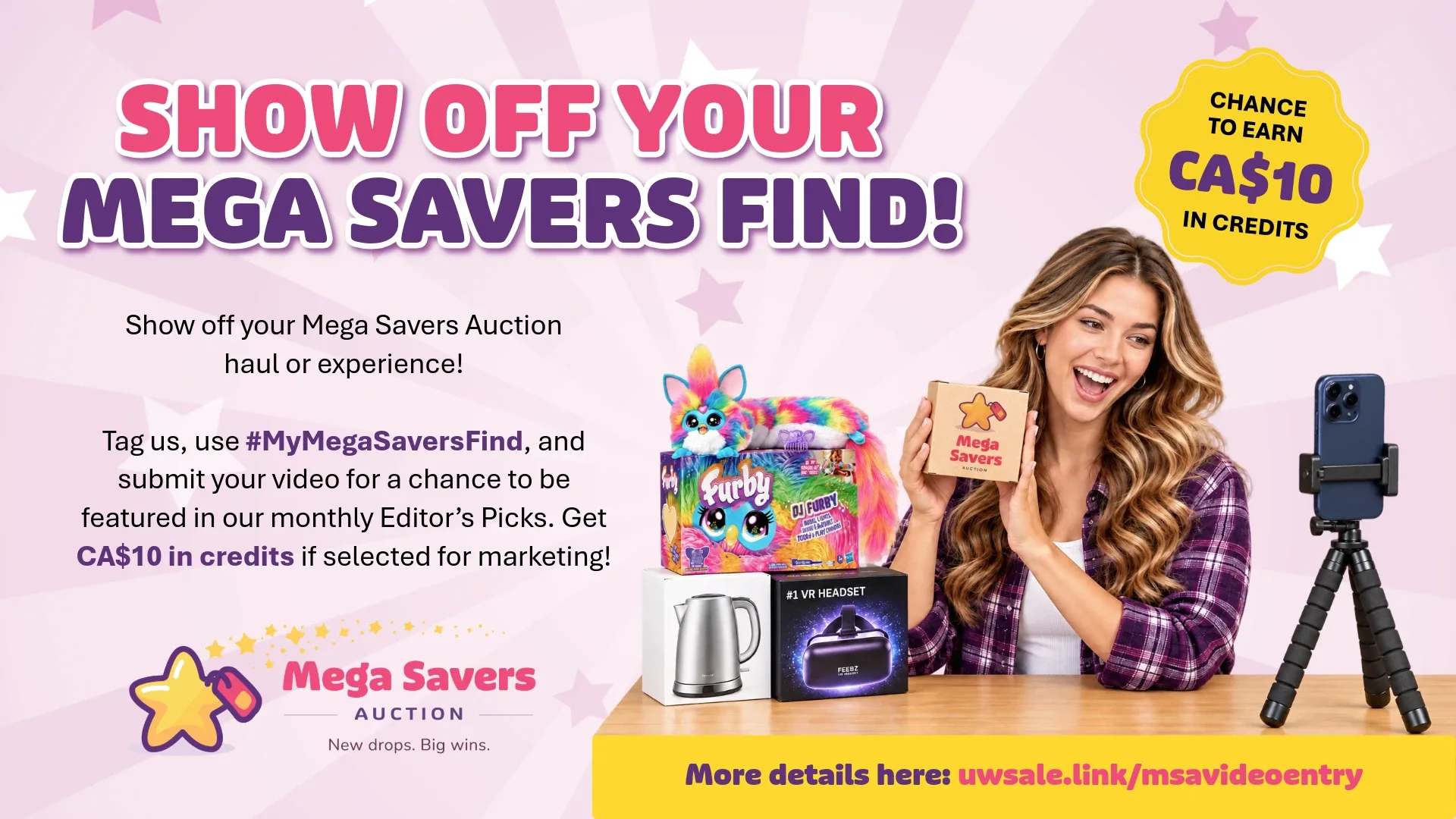
Show your Mega Savers find.
Found something you love? Picked up a great haul? From household items and personal care to clothes, toys, tools, DIY products, and more, show us your Mega Savers Auction find or share your real experience.
For real customers of legal age (19+ in BC, 18+ in AB, MB and SK). Rewards are Mega Savers Auction credits. Selection and terms apply.
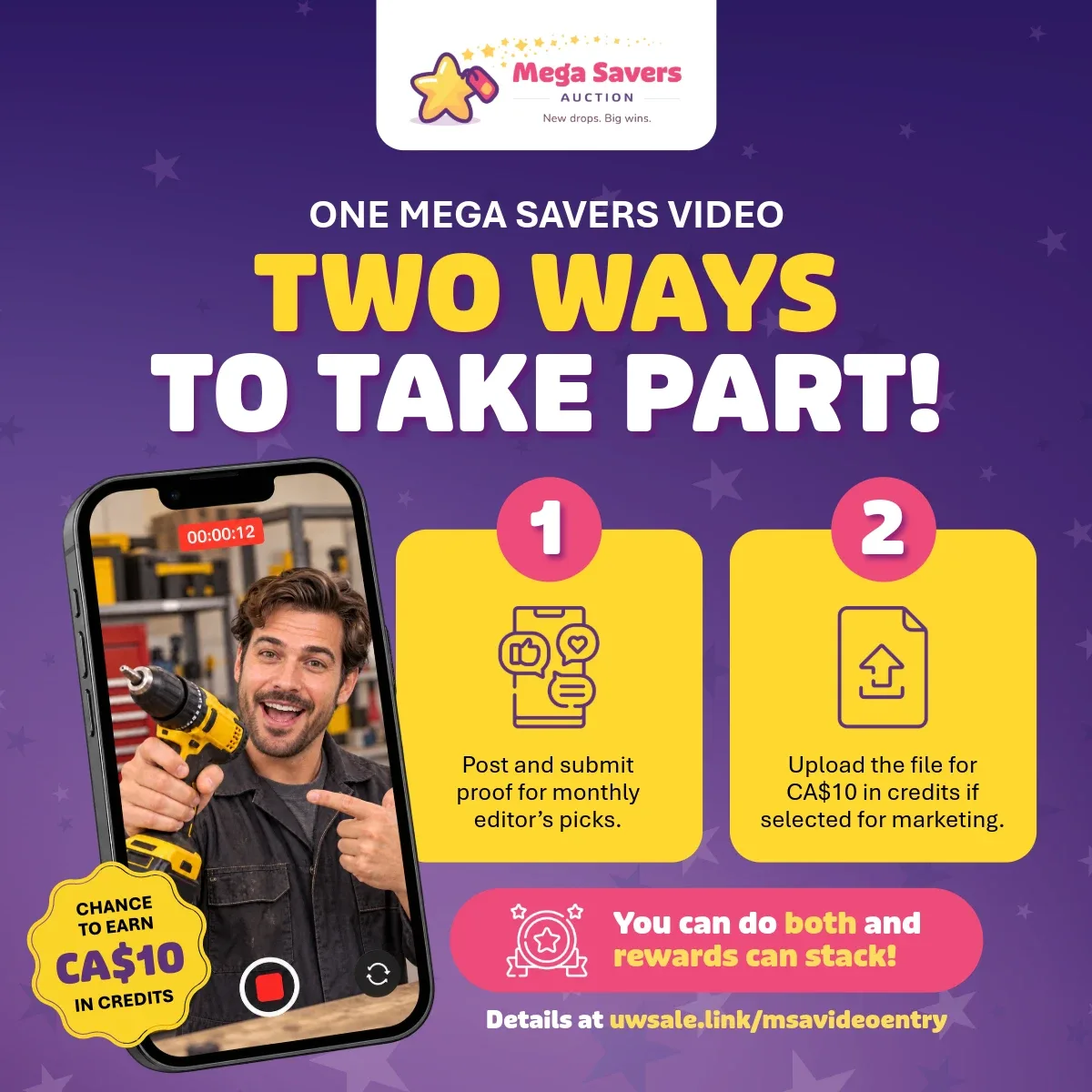
- Post on social for monthly editor's picks
- Upload: CA$10 in credits if selected
- You're encouraged to do both
Take part in three steps
One form per video. No professional setup needed.
-
Film your find
Show your item, your haul, or your real experience. Film vertically, 15 to 60 seconds, with clear audio.
-
Post and tag us
Post it on Facebook, Instagram, TikTok or YouTube Shorts with #MyMegaSaversFind, tag our account and add the rewards line.
-
Send it to us
Upload the original file and add your post link in the form below. You can do one or both.
One video. Two ways to take part.
The two rewards are separate, and the same video can earn both.
-
Post it: monthly editor's picks
Post on social, tag us, use #MyMegaSaversFind and send the link. Our editors pick CA$50 and CA$5 credit rewards every month, based on the video, not likes.
-
Upload it: CA$10 if selected
Upload the original file. Every distinct video selected for Mega Savers Auction marketing earns CA$10 in credits. No limit per customer.
-
Do both: rewards stack
The same video can earn a monthly social reward and the separate CA$10 upload reward. Posting or uploading does not guarantee selection.
Your chance to earn Mega Savers Auction credits
Social route. Share your original video on Facebook, Instagram, TikTok, or YouTube Shorts. Tag our official account, include #MyMegaSaversFind, and send the post link or proof through the form below.
Upload route. Upload the original file in the same form. Every distinct uploaded video selected for Mega Savers Auction marketing earns CA$10 in Mega Savers Auction credits. Repeated use of the same video does not create a new reward.
How the monthly picks work
For the first 1 to 50 eligible social videos in a month, we award ten CA$5 credits and one CA$50 credit to different customers. Every new block of 50 eligible videos adds the same reward batch, starting at video 51, 101, and so on.
- 1 to 50 unique eligible social videos: 10 customers receive CA$5 and 1 receives CA$50
- 51 to 100: 20 receive CA$5 and 2 receive CA$50
- 101 to 150: 30 receive CA$5 and 3 receive CA$50
One social reward per customer per month. Duplicate posts of the same video across platforms count once. The examples assume enough different eligible customers: with fewer than 11 eligible customers in the first tier, one receives CA$50 and the rest receive CA$5. No eligible entries means no awards. Each month ends at 11:59 p.m. Edmonton time on its last day.
A quick introduction
At Mega Savers Auction, find a little of everything under the sun, from household items and personal care to clothes, toys, tools, DIY products, and more. Discover items from returned to brand new. Register free, check the condition, and set your maximum bid. The system bids for you up to your limit, and you only pay if you win. Free pickup at available Uncle Wiener's locations. Fees and applicable taxes are additional.
New here? See how Mega Savers Auction works.
What to film
- Your find: show an item you purchased through Mega Savers Auction, preferably with the item in your hands or in use.
- Your haul: walk us through several items from your pickup.
- Your experience: tell us honestly what your experience was like and why you choose Mega Savers Auction.
Try this structure: "Here's my find", show the item, describe your real experience, then one useful tip for a first-time bidder.
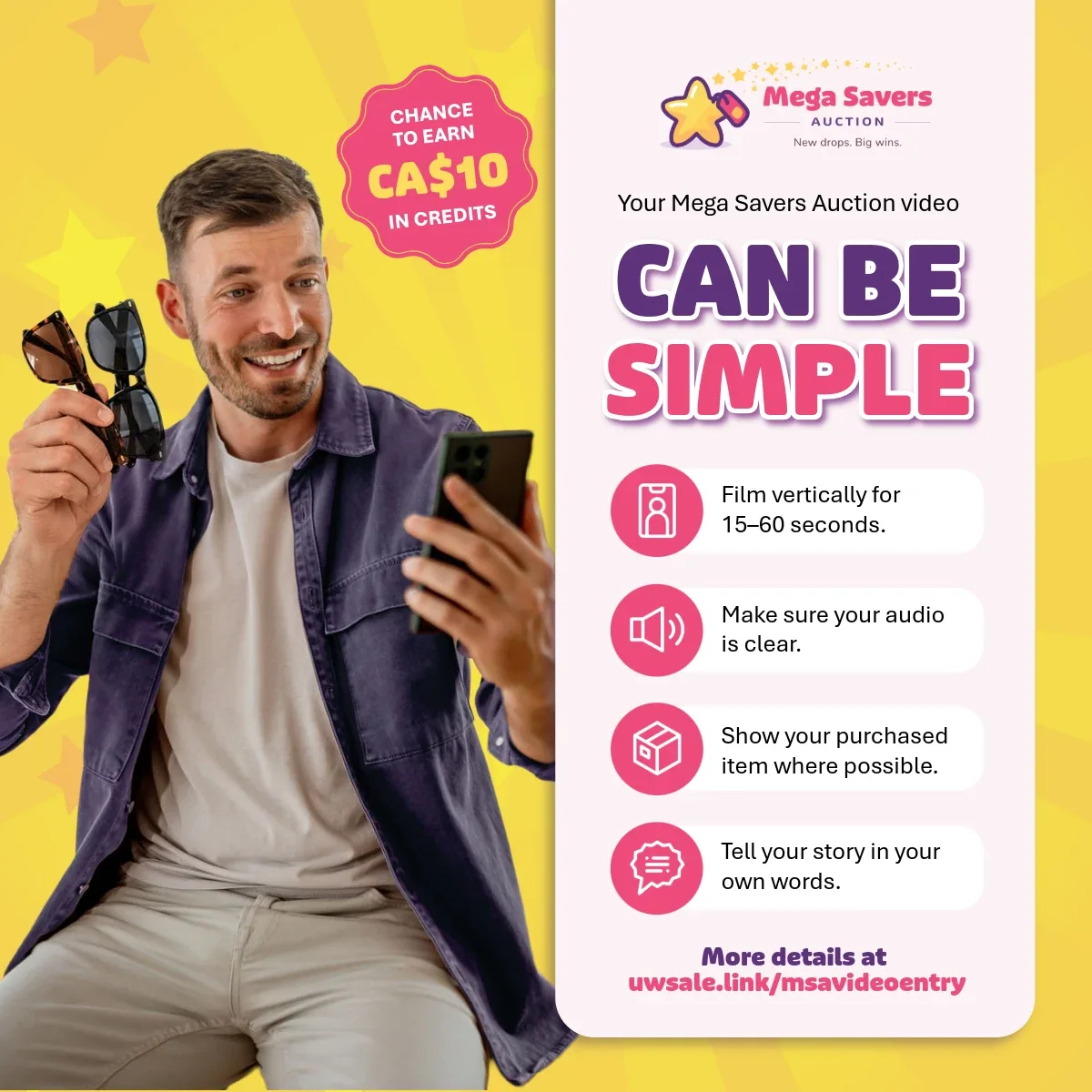
- Film vertically, 15 to 60 seconds
- Clear audio and good light
- Show the item when possible
- Tell your story in your own words
See how it works
A simple video is enough.
A Mega Savers Auction promo video, not a customer entry. Tell your own true story.
Before you post
Use #MyMegaSaversFind and tag Mega Savers Auction. Clearly tell viewers that your post is part of a rewards campaign, for example: "Mega Savers Auction rewards entry: I may earn Mega Savers Auction credits." Include the disclosure in the video and near the start of the caption on every platform.
Speak from real experience. Don't include private information, copyrighted music you cannot license for advertising, or anyone who has not agreed to appear. Everyone in your video must be of legal age; videos showing anyone younger won't be accepted or used. If mentioning a winning bid, identify it as a bid and explain that fees and taxes are additional; include the full pre-tax amount when presenting a purchase-price comparison.
How to post so we can see it
Your post needs to be public, tagged and disclosed so our team can check it. Pick your platform.
Rewards line (start your caption with it, and say it in the video)
Mega Savers Auction rewards entry: I may earn Mega Savers Auction credits.
- Post your video as a Reel or a post with the audience set to Public, so our team can see it.
- Start the caption with the rewards line. Tag our page: type @ and choose our official Mega Savers Auction account from the list.
- Add #MyMegaSaversFind.
- To copy the link, open your post, tap Share, then Copy link. Paste it in step 3 of the form.
Caption for Facebook
Mega Savers Auction rewards entry: I may earn credits.
Here's my Mega Savers Auction find: (name your item or haul). (Your honest experience.)
#MyMegaSaversFind
- Your account needs to be public for us to see the post (Settings, Account privacy).
- Post as a Reel. Start the caption with the rewards line, tag our official Mega Savers Auction account and add #MyMegaSaversFind.
- To copy the link, tap Share under your Reel, then Copy link. Paste it in step 3 of the form.
Caption for Instagram
Mega Savers Auction rewards entry: I may earn credits.
Here's my Mega Savers Auction find: (name your item or haul). (Your honest experience.)
#MyMegaSaversFind
TikTok
- Set Who can watch this video to Everyone.
- Start the caption with the rewards line, mention our official Mega Savers Auction account and add #MyMegaSaversFind.
- If TikTok shows the content disclosure setting, turn it on and choose Branded content.
- To copy the link, tap Share, then Copy link. Paste it in step 3 of the form.
Caption for TikTok
Mega Savers Auction rewards entry: I may earn credits.
Here's my Mega Savers Auction find: (name your item or haul). (Your honest experience.)
#MyMegaSaversFind
YouTube Shorts
- Upload it as a Short and set the visibility to Public.
- Put the rewards line, our official Mega Savers Auction account and #MyMegaSaversFind in the title or description.
- If YouTube asks whether the video has a paid promotion, answer yes.
- To copy the link, tap Share, then Copy link. Paste it in step 3 of the form.
Caption for YouTube Shorts
Mega Savers Auction rewards entry: I may earn credits.
Here's my Mega Savers Auction find: (name your item or haul). (Your honest experience.)
#MyMegaSaversFind
Can't make your post public? Take screenshots that show your account name, the date, the tag, #MyMegaSaversFind and the rewards line, and add them in step 3 of the form.
Questions
When do I receive credits?
Within 14 days after the end of the month in which you are selected.
What can I use credits for?
Any winning-bid amount, with no minimum. Credits do not cover the buyer's premium, item fee, or taxes. They are Mega Savers Auction credits, not cash.
Do credits expire?
No. Mega Savers Auction credits from this campaign do not expire.
How will I know if my video is selected?
We email you at your Mega Savers Auction account email. You also get an email right after you submit, with your video ID.
Can I submit more than one video?
Yes. Submit each distinct video separately. You can earn only one monthly social reward, but each uploaded video selected for marketing earns its own CA$10 credit.
I posted the same video on two platforms. Do I send it twice?
No. Send it once with every post link. If you post it somewhere new later, send the form again with the same video and the new link: it is added to your entry.
My account is private. Can I still take part?
Yes. Upload the video for the CA$10 route, or send screenshots that show your account, the date, the tag, the hashtag and the rewards line.
Do likes or views decide the picks?
No. Our editors choose based on the video: authenticity and relevance, clarity and useful detail, and visual or audio presentation. High production value is not required.
Can Mega Savers Auction use my video?
Yes. Submission requires acceptance of terms granting Mega Savers Auction permission to edit and use the video, your appearance, and your voice for marketing, with no fixed end date. You keep ownership. Read the terms before submitting.
Does everyone get a reward?
No. Rewards depend on selection. Social entries follow the monthly editor's-pick rules; uploaded videos earn CA$10 when selected for marketing.
Read the full Campaign Terms and Content Licence before submitting. Questions? Email [email protected].